Once the company account has been created, the next step is to fill in the rest of the company’s information.
1. Proceed to fill in the basic information
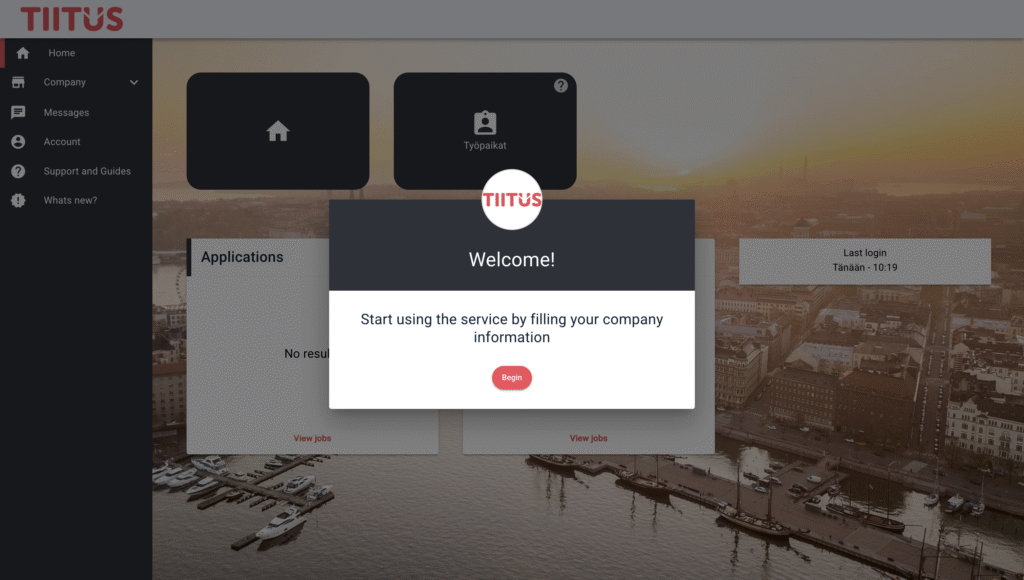
The service will prompt you to start using it by adding the company’s basic information. Click the ”Begin” button.
2. Fill in the requested information
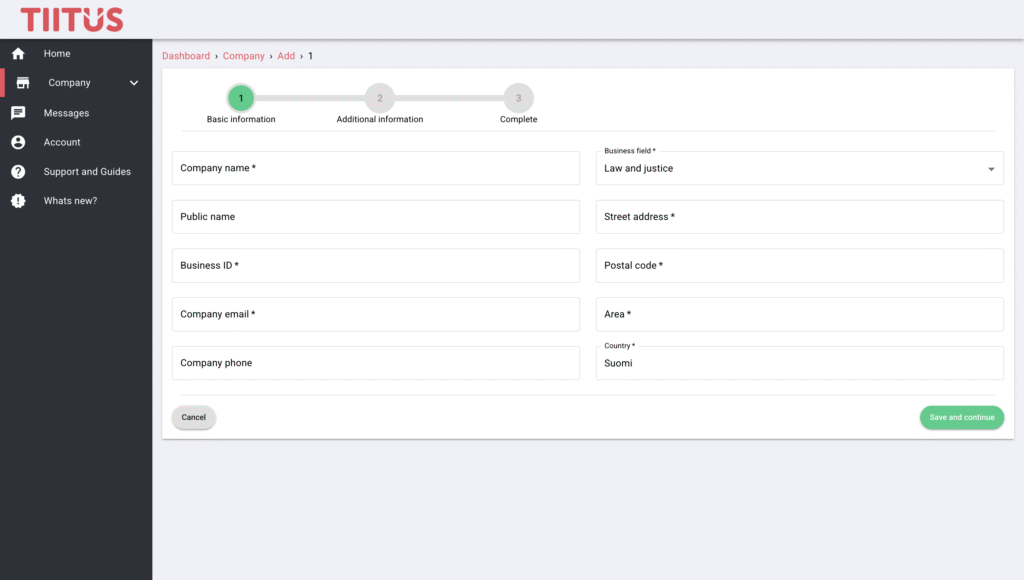
Fill in the basic information and click the ”Save and continue” button.
Then fill in the additional information and click the ”Save and continue” button again.
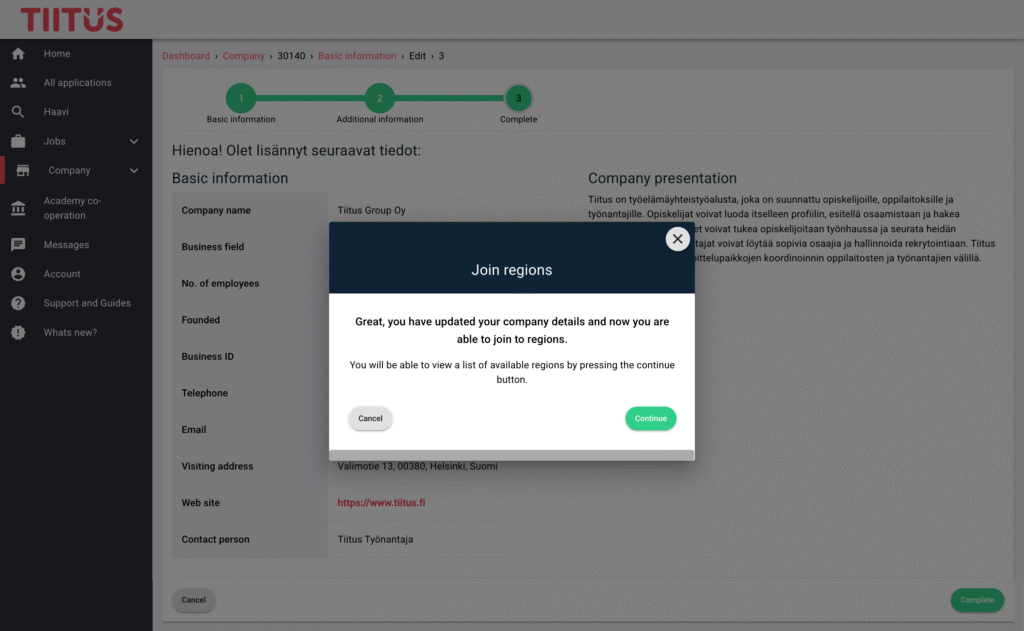
Finally, review the information you have entered and click the ”Complete” button.
3. At this stage, the service suggests joining regions. By clicking the ”Continue” button, you will be redirected to the ”Academy co-operation” section, where you select the educational institutions whose regions you want to join. You can find detailed instructions here.